
Your PMS by webhook
If the bookings already live in a system you control — a property management system, a channel manager, an in-house backend — this is the fastest lane and the only one that is real-time in both directions. You POST a signed event; Suitiee bills it against the host's package or wallet, creates the cleaning and dispatches a cleaner.
What you need
- An operator (
/partner) account. - Somebody who can add an outgoing webhook in your own system.
- Your own unit identifiers, and a mapping of each to a Suitiee host and unit.
Step 1 — Create the endpoint
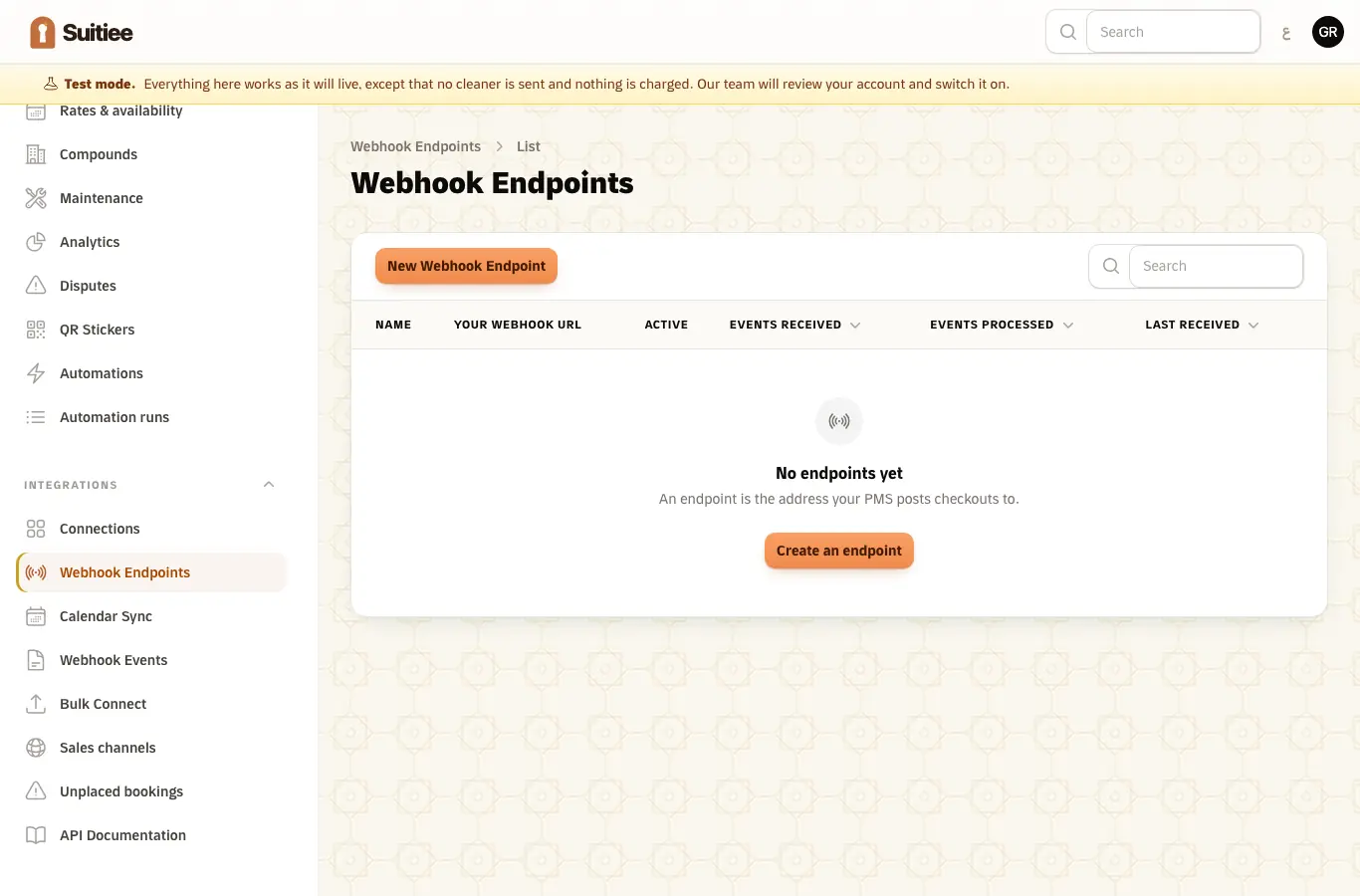
Settings → Developer → Endpoints → Create. You are shown two values, once:
- the receive URL —
https://suitiee.com/webhooks/receive/{partnerSlug}/{webhookId} - the signing secret
Step 2 — Map your units
Register one row per host under Clients → Partner Clients, using your id for them,
and map your unit identifiers to Suitiee units. An inbound unit_id has to resolve to a
host and a unit, or the event is accepted and then fails with that reason on its row.
Step 3 — Sign the request
Every request carries an HMAC-SHA256 of the raw body, keyed with your signing secret:
X-Suitiee-Signature: sha256=<hex hmac_sha256(rawBody, secret)>
$body = json_encode($payload, JSON_UNESCAPED_UNICODE);
$signature = 'sha256=' . hash_hmac('sha256', $body, $webhookSecret);
const body = JSON.stringify(payload);
const signature = 'sha256=' + crypto.createHmac('sha256', secret).update(body).digest('hex');
Sign the exact bytes you transmit. Re-serialising after signing — a different key order, different whitespace, different unicode escaping — produces a signature that will not match.
The body must also carry a top-level ISO 8601 timestamp, and it must be within five
minutes of our clock in either direction. That is what stops a captured request being
replayed.
If you publish from fixed addresses, add them to the endpoint's IP allowlist; anything else is then refused.
Step 4 — Send the event
POST https://suitiee.com/webhooks/receive/{partnerSlug}/{webhookId}
{
  "event_id": "res_9f8c12",
  "event_type": "checkout",
  "timestamp": "2026-09-04T14:00:00Z",
  "unit_id": "APT-204",
  "checkout_datetime": "2026-09-04T11:00:00Z",
  "next_checkin_datetime": "2026-09-04T16:00:00Z",
  "guest_name": "Sara Ali",
  "notes": "Late checkout approved; extra towels."
}
| Field | Required | What it does |
|---|---|---|
event_type |
yes | Your event's name. Mapped to a cleaning action by the endpoint's event mappings, or its default action |
unit_id |
yes | Your identifier for the unit. Must resolve to a host and a unit |
checkout_datetime |
yes | When the guest left. Anchors the cleaning window |
timestamp |
yes | When you sent it. Inside the replay window |
event_id |
strongly advised | Your idempotency key — see below |
next_checkin_datetime |
no | The next arrival, if known. The clean is scheduled to finish before it. Omit it and the window is five hours |
cleaning_window_minutes |
no | An explicit window length |
guest_name, guest_email, guest_phone, guest_language |
no | Recorded on the booking. See the note below |
notes |
no | Free text passed to the cleaner |
Always send a stable event_id. Duplicates are collapsed on it, so a retry after a
timeout creates one cleaning rather than two. Without one, an id is derived from the event
type and the reservation id, and failing that from a fingerprint of the body.
Step 5 — Read the answer
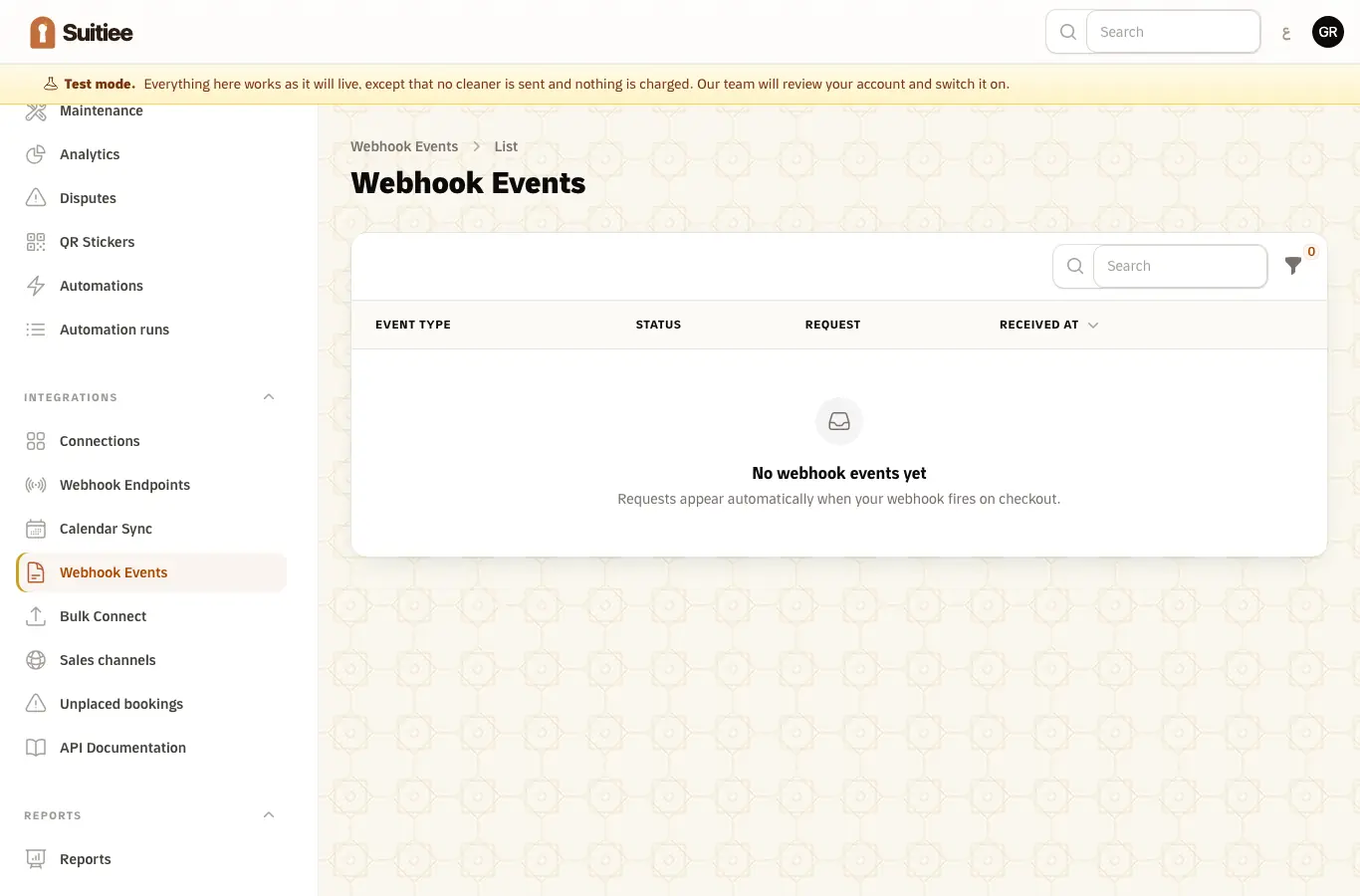
200 {"status":"received"} means the event is stored and queued. It does not mean the
cleaning exists yet — that happens asynchronously, and the outcome appears on the event's
own row under Settings → Developer → Events, and through
GET /partner/webhooks/events.
| Status | Meaning |
|---|---|
200 received |
Accepted and queued |
200 duplicate |
This event_id has been seen; nothing was processed again |
401 |
The signature is missing or wrong, or the timestamp is missing or stale |
403 |
The endpoint is switched off, or the source address is not allowlisted |
404 |
The slug or endpoint id is wrong, or the account is not active |
429 |
Above 100 requests a minute. Back off and retry |
Anything discovered after acceptance does not fail the HTTP call. An empty wallet, an
unmapped unit — those are business outcomes, not transport errors. The call is answered
received, and the event row says failed with the reason. Only signature, timestamp and
endpoint problems come back as 4xx.
Guest details are optional and stay optional
Send them on the booking event, on the checkout event, or never. An event that omits them leaves what we already hold alone rather than blanking it; an event that includes them updates it, which is how a corrected address reaches us.
Guest email and phone are personal data under the PDPL. They are stored on the booking, shown to the operator and host who own it, kept off every list column and never written to a log line. Send them only if your own basis for sharing them allows it — everything else works exactly the same without them.
Callbacks back to you
Set a callback URL and callback secret under Settings, and Suitiee POSTs you a signed update when a cleaning is created, changes status or completes, and the same for maintenance visits.
X-Suitiee-Callback-Signature: sha256=<hmac_sha256(body, callbackSecret)>
Answer 2xx. A non-2xx or a timeout is retried three times — after 30 seconds, 2 minutes and
10 minutes — and then recorded as permanently failed.
When it goes wrong
| What you see | What it means | What to do |
|---|---|---|
401 Invalid webhook signature |
The bytes signed are not the bytes sent | Sign the serialised body verbatim and transmit that exact string |
401 …outside acceptable window |
Your clock has drifted, or the event was queued and sent late | Send the timestamp at the moment you fire, in UTC; check NTP |
200 duplicate for a real second event |
Two different events share an event_id, or you sent none and the fallback collided |
Send a distinct, stable event_id per event |
| Event row says failed — unit not linked | unit_id matched no unit |
Map it under Partner Clients and reprocess the row |
| Event row says failed — not enough balance | The host's wallet and packages could not cover the clean | Top up, then reprocess the row |
| Accepted, and no callback arrives | No callback URL is set, or yours answered non-2xx three times | Check Settings; the retries are 30 s / 2 min / 10 min |
| Nothing is charged and no cleaner appears | The account is still in test mode | See Test mode |