
What Suitiee is
Suitiee runs a short-term rental unit from the moment a booking arrives to the moment the unit is ready for the next guest. Bookings come in from the sites you already sell on. Each checkout raises a cleaning, the cleaning is dispatched, photographed and checked against a list, and anything the cleaner finds becomes a maintenance visit. The money side — wallet, prepaid packages, invoices — runs off the same records.
You do not need every part of it. A host who only wants the calendar and the cleanings can stop after connecting one channel.
What you need
- A Suitiee account. Which one you get depends on who you are — the table below.
- The link to your panel. Every account type has its own sign-in page, and they are not interchangeable.
The five panels
| You are | Your panel | What you do there |
|---|---|---|
| A host with your own units | /client |
Your units, calendar, cleanings, wallet, messages |
| An operator managing units for other people | /partner |
Everything a host has, across every host you manage, plus integrations and reports |
| A cleaning company working for Suitiee | /provider |
The jobs assigned to you, your crew, your zones, your earnings |
| A cleaner | /w |
Today's jobs on a phone: start, photograph, finish |
| A supervisor with a desk | /staff |
The same assignments as /w, with a schedule view |
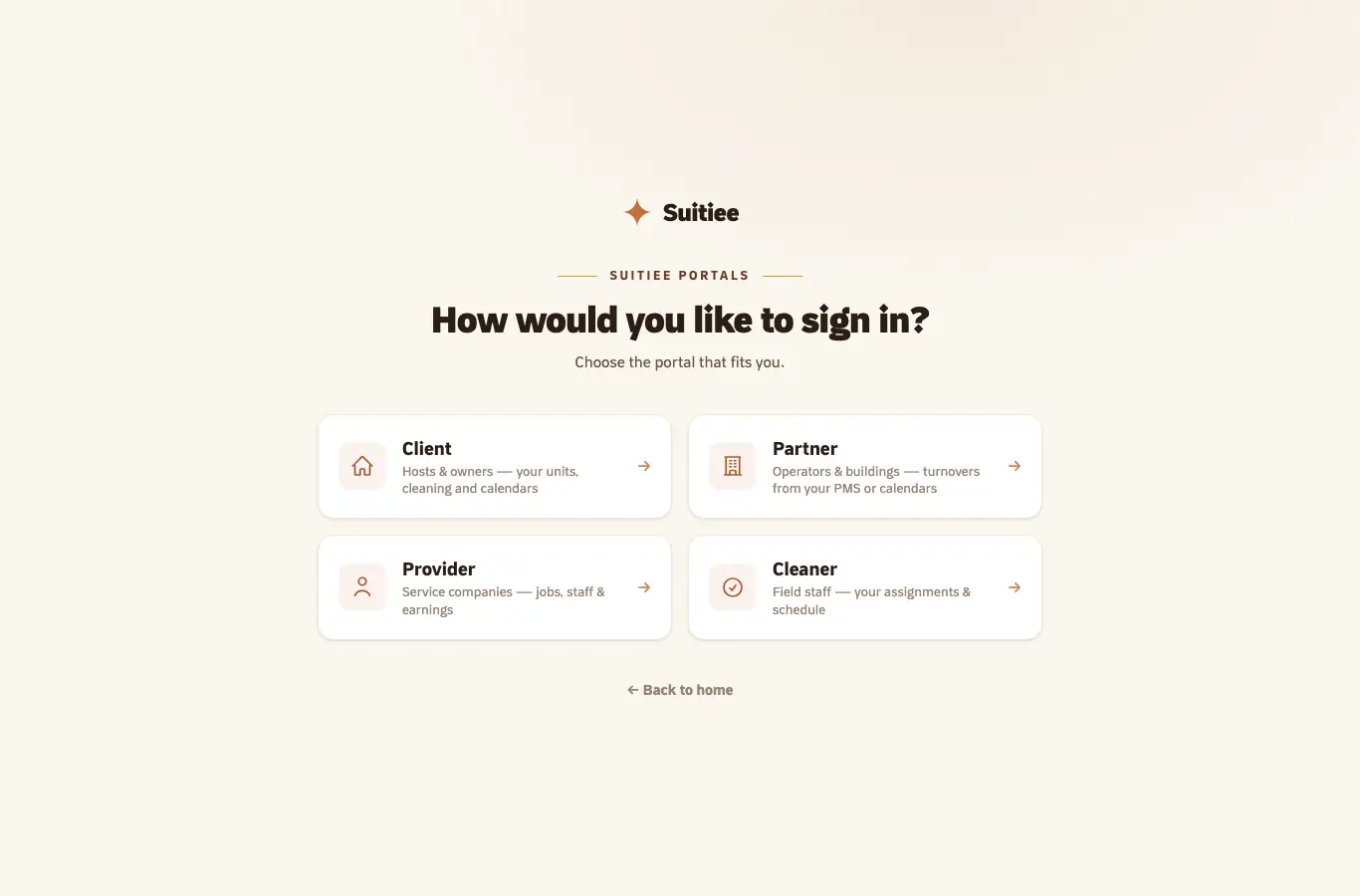
If you are not sure which you have, open the sign-in portal — it names all five and lets you cross to the right one.
Where a booking comes from
There are three lanes, and a unit can use more than one:
- A connected channel. Airbnb and Booking.com sign in from inside Suitiee. Bookings arrive within moments, and availability, prices and minimum stays are pushed back out. See Connecting Airbnb.
- A calendar link. Any site that publishes an iCal export — Gathern, Qotoon, VRBO, Agoda and the two above — can be read on a schedule. No code, and nobody's permission. See Calendar links.
- Your own system. A property management system posts a signed event, or calls the partner API. See Your PMS by webhook.
What Suitiee does not do
Being clear about this saves a support ticket:
- It is not a booking website. Guests book on the channels; Suitiee runs what follows.
- It does not hold a general ledger. It raises invoices and records what was charged.
- It does not send anything to a guest unless you switch that on yourself. See Guest messages.
When it goes wrong
| What you see | What it means | What to do |
|---|---|---|
| Your password is refused on a panel that looks right | You are on the wrong panel — the five sign-ins look alike | Open /signin and pick the one named for your role |
| "Test mode" across the top of the panel | The account is a sandbox: nothing is dispatched and nothing is charged | Read Test mode |
| A unit exists but no bookings appear | No lane is connected for it yet | Start at Three ways bookings reach Suitiee |