
Three ways bookings reach Suitiee
Nothing in Suitiee happens until it knows a guest is arriving and a guest is leaving. There are three ways to tell it, a unit can use more than one at a time, and none of them is the lesser option.
What you need
- One unit already created in Suitiee.
- Then, depending on the lane: an account on the site you sell on, or its calendar export link, or somebody who can add a webhook in your own system.
The three lanes
| Connect the channel | Calendar link | Your own system | |
|---|---|---|---|
| What you do | Sign in to Airbnb, or send Booking.com a connection request | Paste an export link | POST a signed event, or call the API |
| Code needed | none | none | yes |
| How fast | within moments | on a schedule, 60 minutes by default (15 for Gathern and Qotoon) | the moment you send it |
| What arrives | bookings, guest, prices, availability | dates only | whatever you send |
| What goes back out | availability, prices, minimum stays | a calendar file others can read | callbacks, if you set one |
| Read | Connecting Airbnb and Booking.com | Calendar links | Your PMS by webhook |
Step 1 — Decide what you need back out
This is the question that decides the lane, and it is easy to skip.
- If you only need cleanings to happen after checkouts, a calendar link is enough, and it takes a minute.
- If you need Suitiee to close dates and set prices on the channel — so a night sold in one place stops being on sale in another — you need the channel connected by sign-in. A calendar link cannot carry a price.
Step 2 — Pick per unit, not per account
The lane belongs to the unit. It is normal to run a portfolio where the Airbnb listings are connected by sign-in, the local marketplaces are on calendar links, and one building's units arrive from the operator's own system by webhook. Nothing in Suitiee prefers one over another once the booking is in: the same billing, the same dispatch, the same cleaning.
Step 3 — Connect one unit and watch it
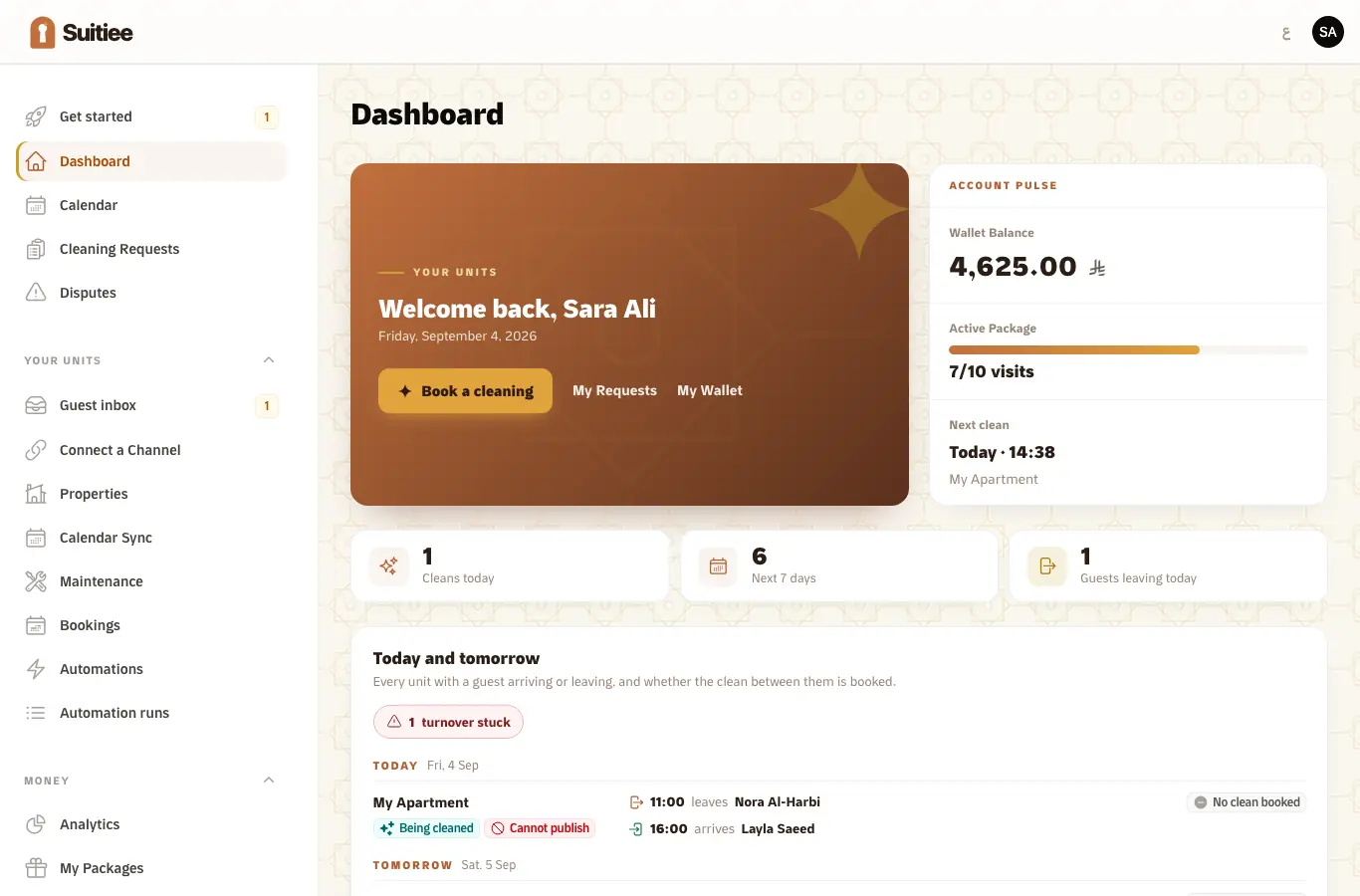
Whichever lane you pick, connect exactly one unit first and let one real checkout run through it. The board on your dashboard shows the arrival, the departure and whether the clean between them is booked — that is the whole system, on one line, and it either works or names what is missing.
Where the local marketplaces sit today
Gathern and Qotoon are connected by calendar link: Suitiee reads the export link they give you, and publishes a calendar file of its own that they can read back. That is availability in both directions, on a schedule.
A direct connection for them — bookings, prices and availability over an API, the way Airbnb and Booking.com work — is designed and not yet built. See The channel connectivity API.
When it goes wrong
| What you see | What it means | What to do |
|---|---|---|
| A unit exists and no bookings appear | No lane is connected for it | Pick one above and connect it |
| Bookings appear but no cleaning is raised | The lane is working; something after it is not | Check the wallet, then Turnovers |
| The same booking twice | Two lanes are feeding one unit and their ids do not match | Keep one lane per unit for bookings, or make sure both carry the same reservation id |
| Dates are right, money is empty | A calendar link carries dates and nothing else | Connect the channel by sign-in, or send the amount on your own event |