
Maintenance visits
A maintenance visit is the same kind of record as a cleaning: a job with a window, a dispatched company, a person, photos before and after, and a status you can follow. What differs is the trade it needs and where it comes from.
What you need
- The unit.
- What is wrong, in a sentence somebody can act on.
- How soon it needs doing.
Step 1 — Raise it
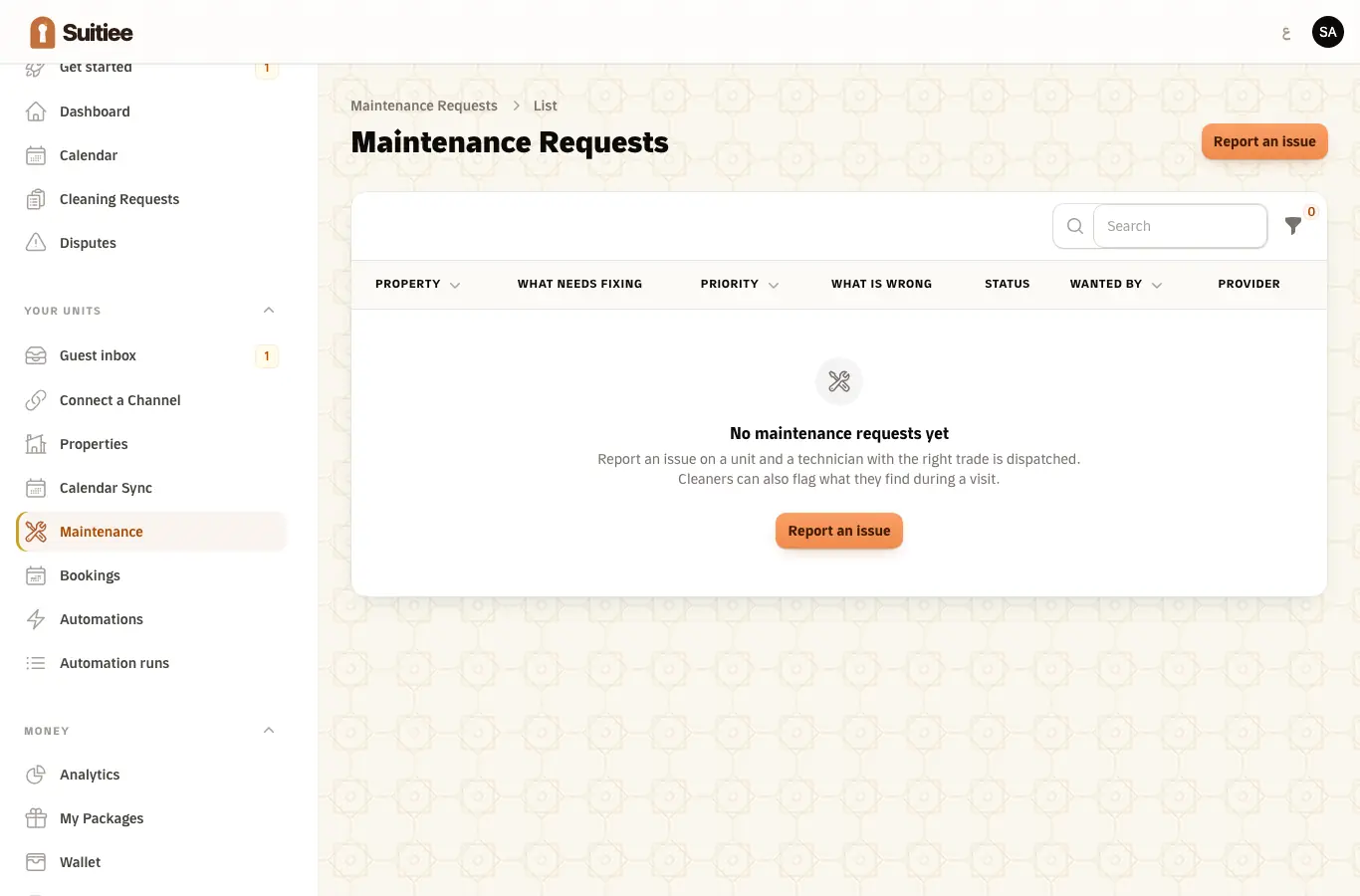
Your units → Maintenance → Report an issue, or from the cleaning where it was found.
| Field | What to put |
|---|---|
| What needs fixing | Air conditioning, plumbing, electrical, appliances, or general repair |
| What is wrong | "The bedroom AC runs but does not cool. Remote works. Started yesterday." — that, not "AC broken" |
| Priority | Urgent within four hours · High within a day · Normal the next day · Low within three days |
Step 2 — It is dispatched by trade
A technician with the right trade is sent, the same way a cleaning is: offered to a company that covers the district and holds that trade.
Step 3 — Follow it
You see who took it, when they arrived, and the photos before and after. You are told when the visit is raised, and again when the technician is finished, with the notes they left.
If your own system holds a callback URL, it receives maintenance_request.status_changed
and maintenance_request.completed as well.
Raised by a cleaner
The most useful maintenance visits are not the ones you raise. A cleaner working the checklist reports an issue on the item, and that finding becomes a maintenance visit — once per finding, linked back to what was found and by whom.
That is the loop worth having: the person in the room every week is the one who notices, and they do not have to know who to tell.
Your maintenance agreement
The yearly maintenance agreement (200 SAR by default) gives you the parts prices agreed with our maintenance company. Operations → Maintenance agreement — or Maintenance agreement at the top of the maintenance list — shows:
- whether you hold one, with which company, the dates it runs between, the yearly fee and whether it has been paid;
- while it is active, the company's agreed price for every part, VAT included, filterable by trade (air conditioning, plumbing, electrical…).
Labour is not on the price list: it is agreed with the company for each job, depending on what the job is. An agreement that has ended says so and hides the prices until it is renewed. Agreements and price lists are recorded by Suitiee staff; contact us to start or renew one.
What is not built yet
Named so you do not look for it: there is no quote-and-approve step before the work, and no separate invoice for a maintenance visit. Visits are recorded, dispatched and evidenced; pricing them is done outside Suitiee for now. The agreement fee is also settled outside Suitiee: the agreement page records that it was paid, but there is no checkout for it yet.
When it goes wrong
| What you see | What it means | What to do |
|---|---|---|
| No technician is assigned | No company in the district holds that trade | Contact support; the job stays open |
| A finding with no visit against it | The cleaner wrote a note rather than reporting on the item | Raise it from the cleaning's page |
| An urgent job treated as normal | The priority was left at its default | Priority is a field on the form; set it when you raise it |
| Two visits for one fault | The finding was reported and someone also raised it by hand | Cancel one |
| No invoice for a completed visit | Maintenance is not billed through Suitiee yet | Expected; see above |