
The wallet
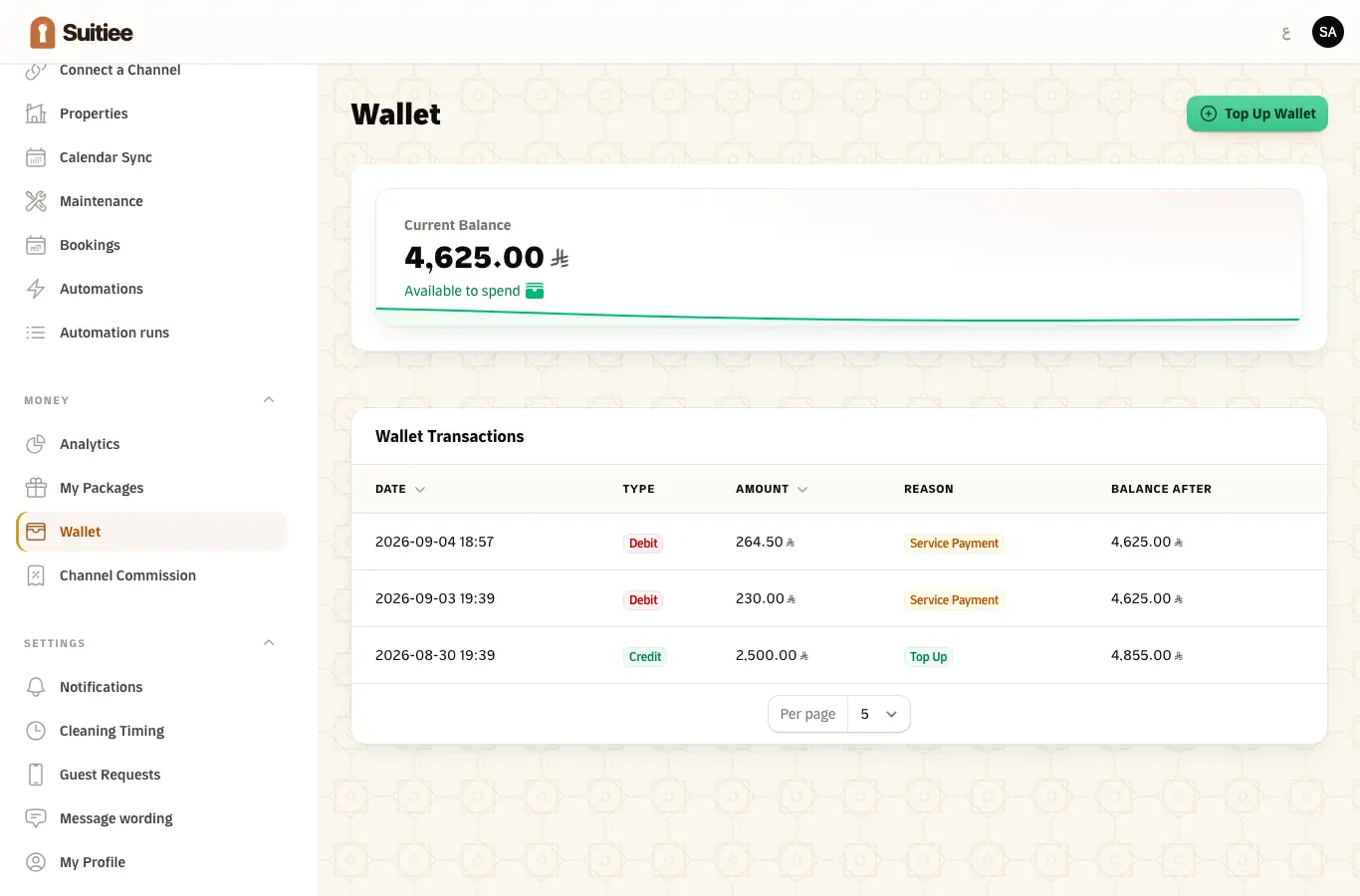
Each host has one wallet. A cleaning that is not covered by a prepaid package is taken from it, at the moment the turnover is confirmed.
A turnover with nothing behind it is not dispatched. That is the single commonest reason a checkout passes and no cleaner appears.
What you need
- A card, or a bank transfer, or an operator who funds you.
Step 1 — Top up
Money → Wallet → Top up. Between 100 and 10,000 SAR at a time, by card through the payment gateway. The balance is available immediately once the payment clears.
Step 2 — Read the ledger
Every movement is a line: what was added, what a visit took, what a refund put back, and against which job. The ledger is the record — the balance is just its last line.
Step 3 — Set the alert, then trust it
Suitiee tells you twice, and both are worth having:
- Low wallet balance — the balance dropped below its line (200 SAR by default).
- Wallet will run out — the balance will not cover the cleanings that are already booked. This one is the useful warning, because it is about work that is going to happen rather than a number that looks small.
Operators see the same thing across every host they manage, on Balance alerts.
What comes out of the wallet first
Package visits are used before the wallet is touched, and an operator-funded package before a host-funded one. So a host with a package running sees the wallet move only when the package is exhausted.
When it goes wrong
| What you see | What it means | What to do |
|---|---|---|
| A checkout with no cleaning | The wallet could not cover it; the turnover is retried, not dropped | Top up. The next check books it automatically |
| A top-up that has not arrived | The payment did not clear | Nothing is credited on the strength of returning to the site; check the card |
| The balance dropping faster than expected | The package ran out and the wallet is now paying | Check Packages |
| A refund you cannot find | It is a line on the ledger against the original job | Read the ledger, not the balance |
| A wallet that never moves | The account is in test mode | See Test mode |