
Owners and their statements
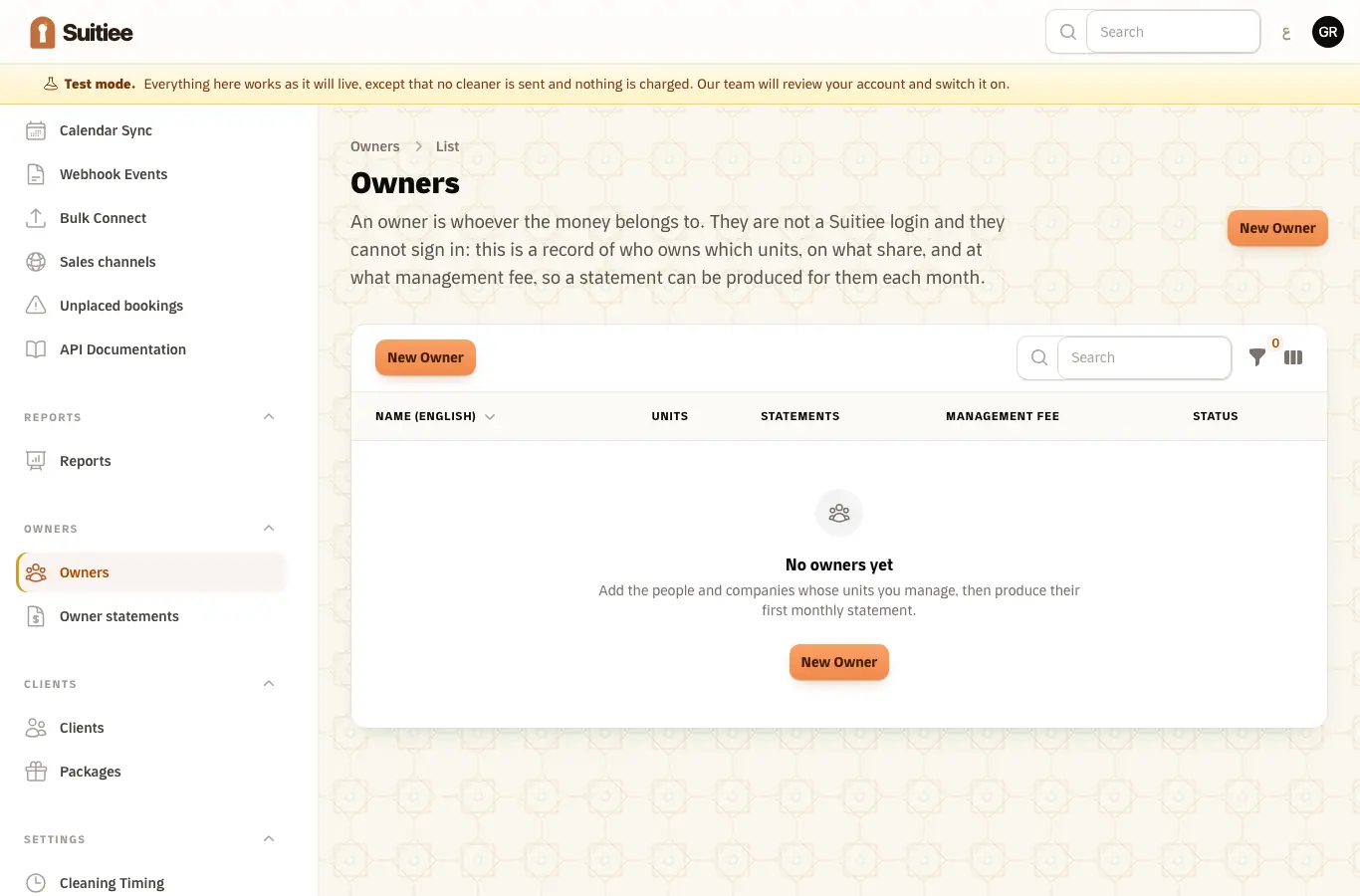
An owner is the person or company the money belongs to. An owner is not a Suitiee login and cannot sign in. What exists is a record of who owns which units, on what share and at what management fee, so that a statement can be produced for them each month.
That distinction matters before you start: if an owner also runs their units day to day, what they want is a host account — see Getting started as a host. The owner record here is for the money, not for the operating screens.
What you need
- An operator (
/partner) sign-in with the Owners module. - For each owner: their name, how to reach them, and either a national ID (a person) or a commercial registration (a company).
- Which units they own, and on what percentage share.
- Your management fee with them.
Step 1 — Add the owner
Owners → Owners → New. The form is in four parts, and each says what it is for:
- Who they are — name in both languages, and the ID an accountant will expect on the statement: a national ID for a person, a commercial registration for a company.
- How to reach them — where the monthly statement is sent.
- Where you send their money — the IBAN and the bank. Suitiee transfers nothing. This is here so the account number sits beside the statement instead of in a chat thread; only the last four digits are ever shown again.
- Your terms — the management fee you take. A unit can override it.
Step 2 — Attach the units
Under Units they own, add each unit and the owner's share in percent. A unit can have more than one owner; the shares across all owners of a unit should come to 100%.
A share that does not add up is not refused — it is your arrangement, not ours — but every statement records the rate it actually used, so a wrong share is visible on the document rather than hidden in it.
Step 3 — Produce the statement
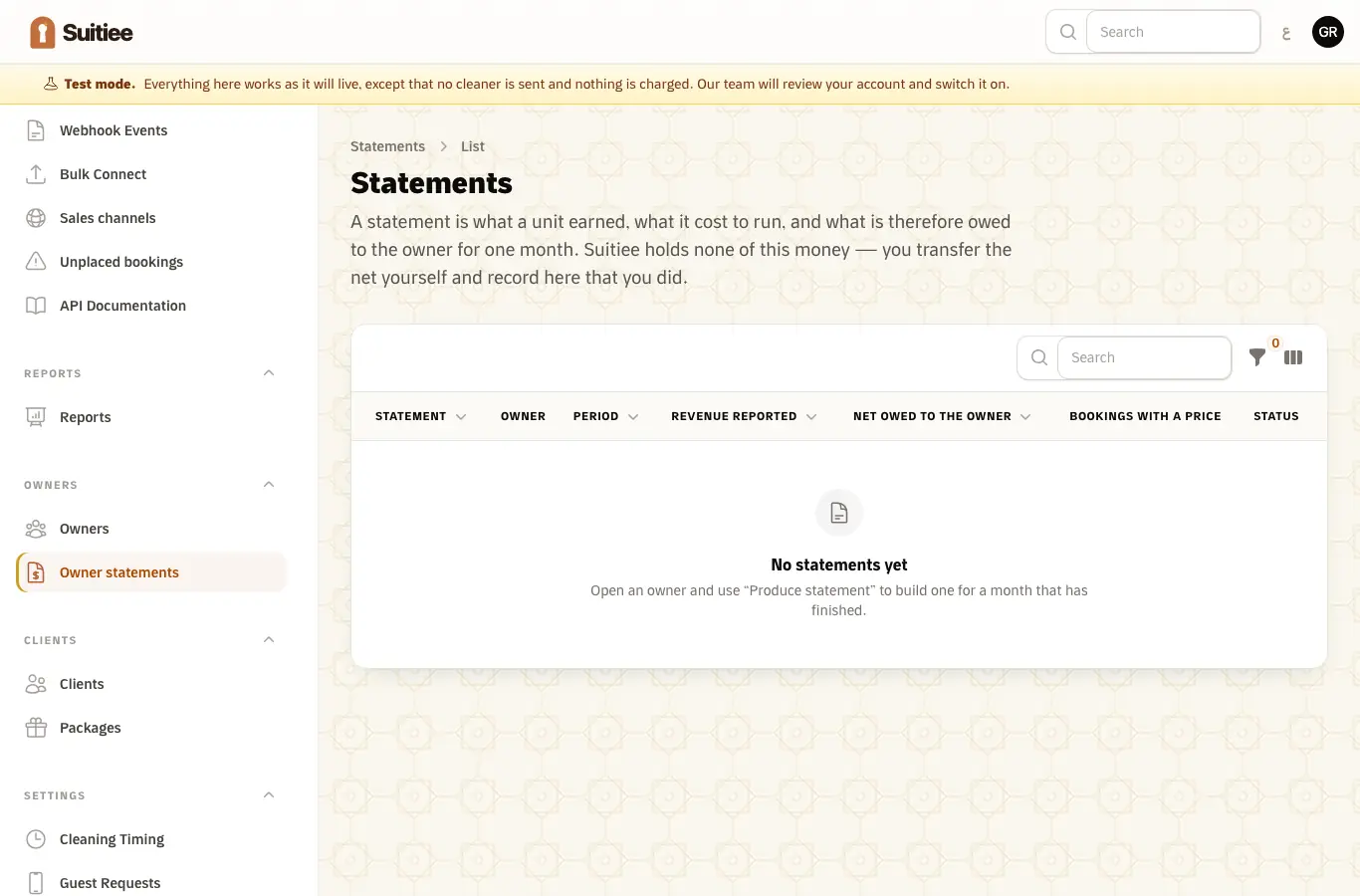
Owners → Owner statements. A statement is one month for one owner: what the unit earned, what it cost to run, the management fee, and the net that is therefore owed.
Statements are produced a couple of days after the month ends, so late bookings and late invoices are already in them.
Step 4 — Pay, then record it
You transfer the net yourself, through your own bank, and then record on the statement that you did. Suitiee holds none of this money and moves none of it; the statement is the document, not the payment.
When it goes wrong
| What you see | What it means | What to do |
|---|---|---|
| The owner asks for a sign-in | There is no owner panel yet | Send them the statement; the portal is planned, not built |
| A statement shows less revenue than expected | A booking arrived without a value on it — a calendar link carries dates, not money | Connect that unit by sign-in or by webhook if you need revenue on it. See Three ways bookings reach Suitiee |
| The fee on the statement is not the one you agreed | The unit carries its own fee, which overrides the owner's | Open the unit row under the owner and check the fee for that unit |
| Two records for one owner | The same person was added twice under different phone formats | Phone numbers are stored in Saudi format to prevent this; merge by moving the units and archiving the spare |