
The calendar
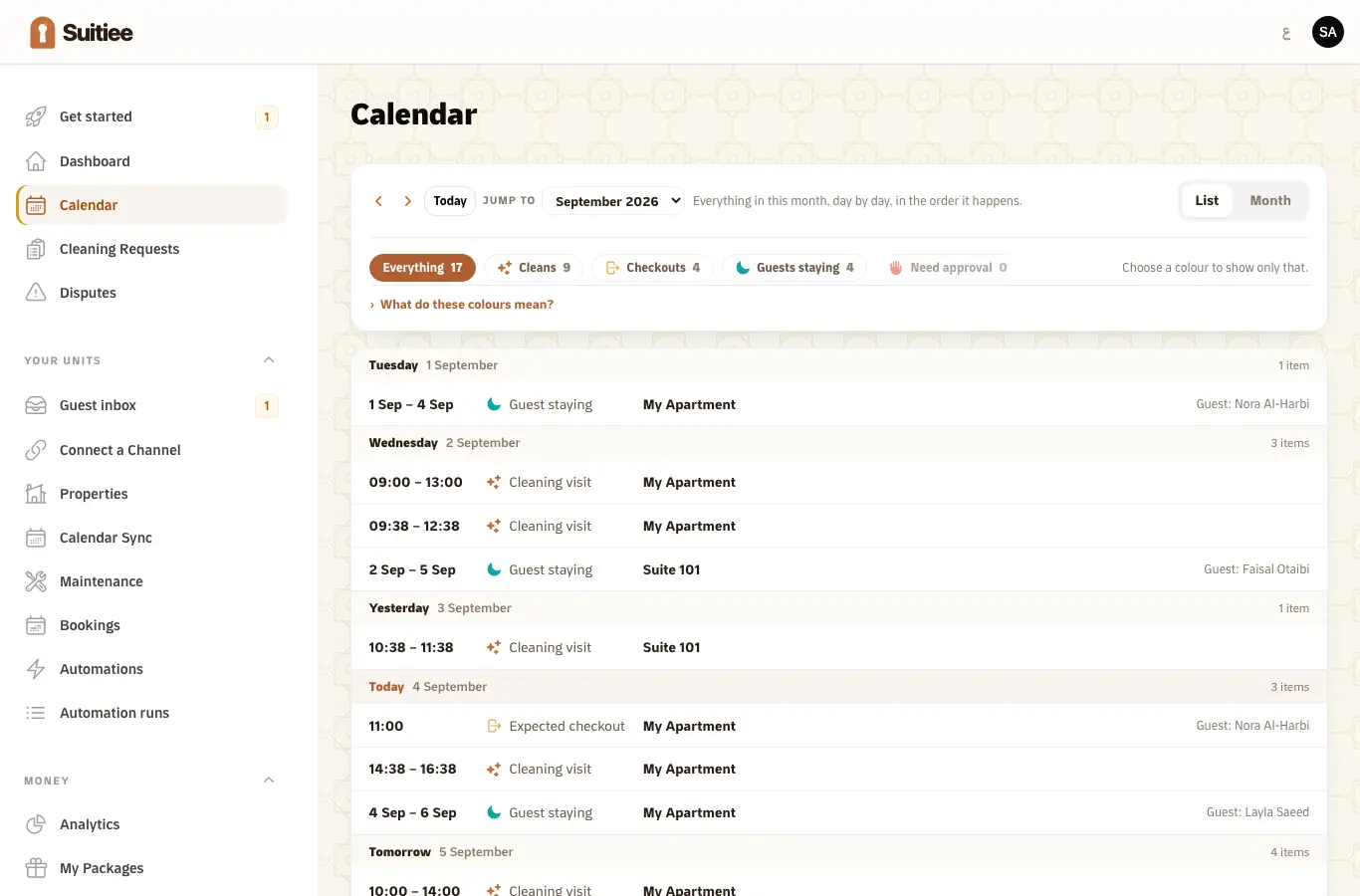
The board answers "what happens today". The calendar answers everything else: which nights are sold, on which unit, from which channel, and what is scheduled between them.
Hosts find it at Calendar, operators at Operations → Calendar. A single unit has its own calendar page as well.
What you need
- At least one unit and one booking on it.
Step 1 — Read the grid
Units down the side, nights across. A block is a stay. A cleaning sits in the gap between one stay and the next.
Blocked dates — nights you have closed, an owner stay, a maintenance hold — are shown as occupied but raise no turnover, because no guest is leaving.
Step 2 — Set a night's price and minimum stay
On a unit's own calendar you can set the nightly price and the minimum stay for a night or a range. On a unit connected to a channel by sign-in, that change is pushed back out to the channel — which is the point of connecting by sign-in rather than by calendar link. See Connecting Airbnb and Booking.com.
Step 3 — Close a night
Blocking a night in Suitiee takes it off sale on the connected channels. It does not raise a cleaning, and it does not bill anything.
Step 4 — Catch a double-booked night
Two channels can sell the same night in the minutes before either hears about the other. The board counts them and the calendar shows them on top of each other. There is nothing Suitiee can do about it on its own — you cancel one, on the channel it was sold on.
The narrower your sync interval on calendar-linked channels, the smaller that window; a channel connected by sign-in closes it almost entirely.
When it goes wrong
| What you see | What it means | What to do |
|---|---|---|
| A stay on the wrong unit | The listing was matched to the wrong unit at import | Open the booking and re-link it |
| A night that is sold on the channel and open here | That channel is not connected, or its last sync failed | Check the feed's status. See Calendar links |
| A price change that did not reach the channel | The unit is on a calendar link, which carries dates only | Connect the channel by sign-in |
| A gap with no cleaning in it | The turnover is stuck, or the checkout has not passed yet | Read the stuck list on the dashboard |
| Nothing at all | No lane is connected for these units | See Three ways bookings reach Suitiee |