
Getting started as a cleaning company
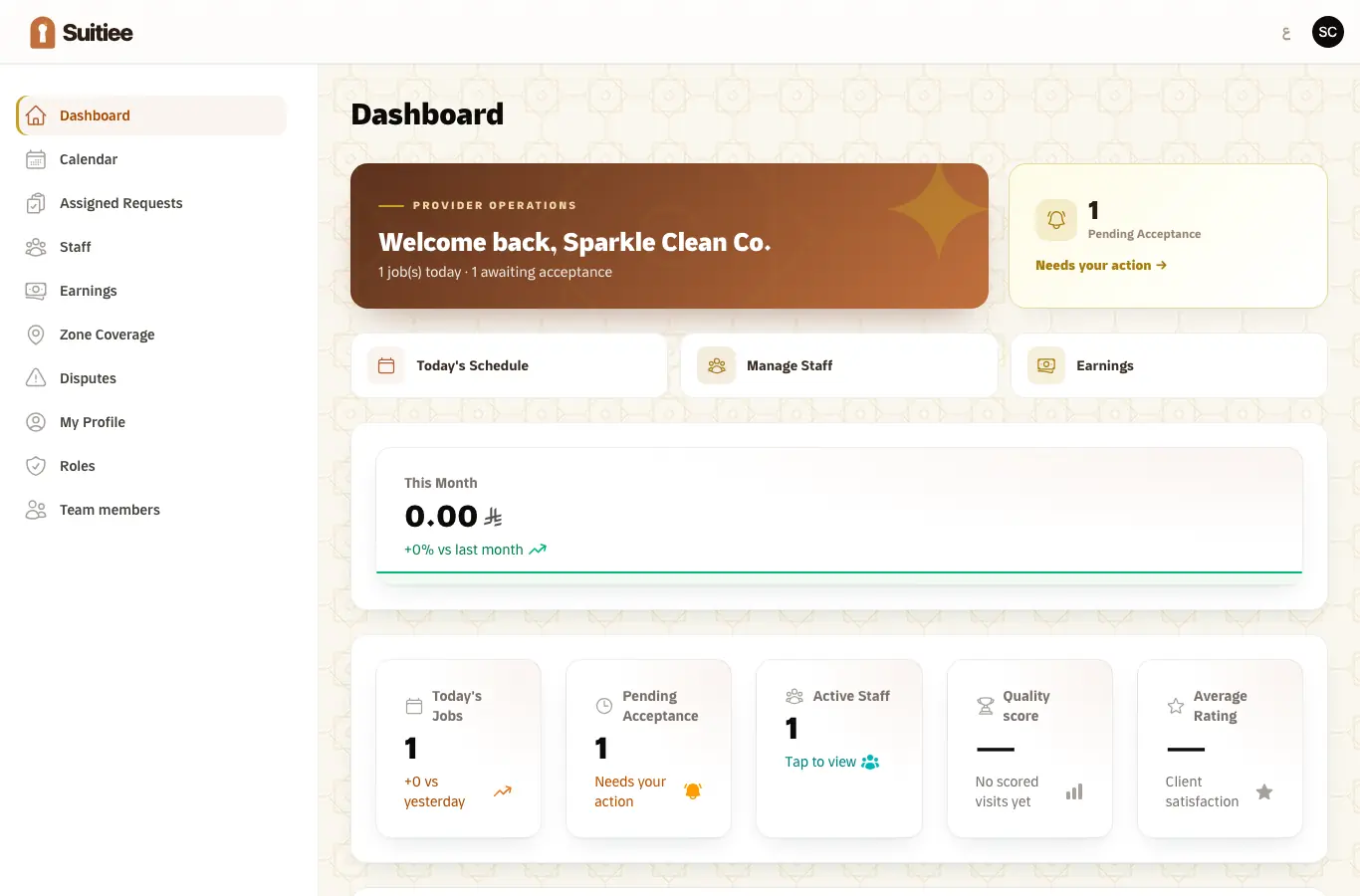
This is the /provider panel. It is for a company that carries out the cleaning and
maintenance work Suitiee dispatches.
Three things decide whether work reaches you at all: your zones, your roster, and how fast you answer.
What you need
- Your provider sign-in.
- The names and mobile numbers of the cleaners who will do the work.
- The districts or cities you cover.
Step 1 — Add your cleaners
Staff. One row per person: name, mobile, and their skills. Only somebody on this roster can be assigned to a job.
The mobile number matters twice over. It is where the job alert goes, and it is how the
cleaner signs in to their own phone screen at /w — there is no password, only a code sent
to that number.
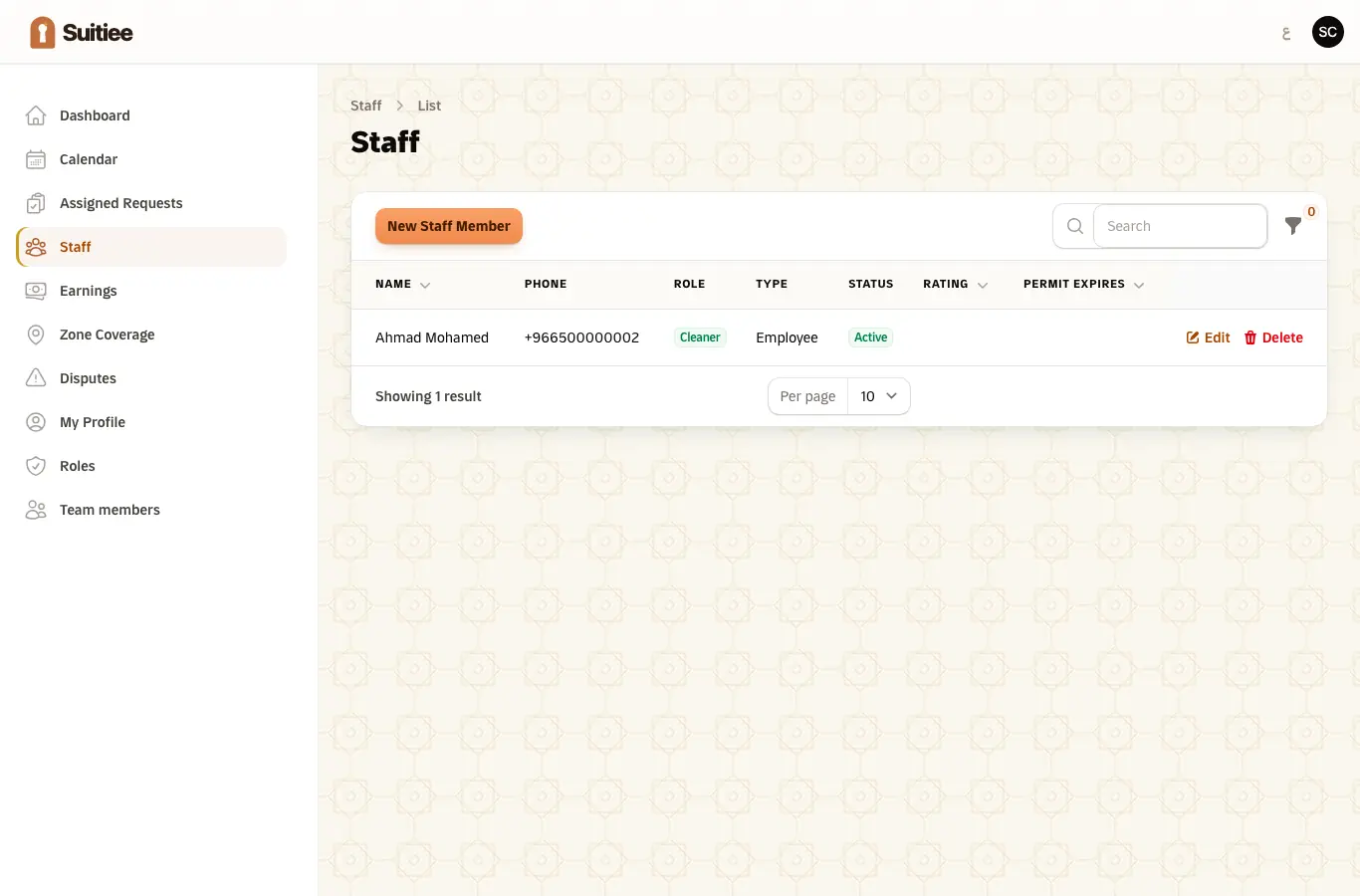
Mark a cleaner's availability and their days off. A cleaner who is off shift is not offered work.
Step 2 — Say where you operate
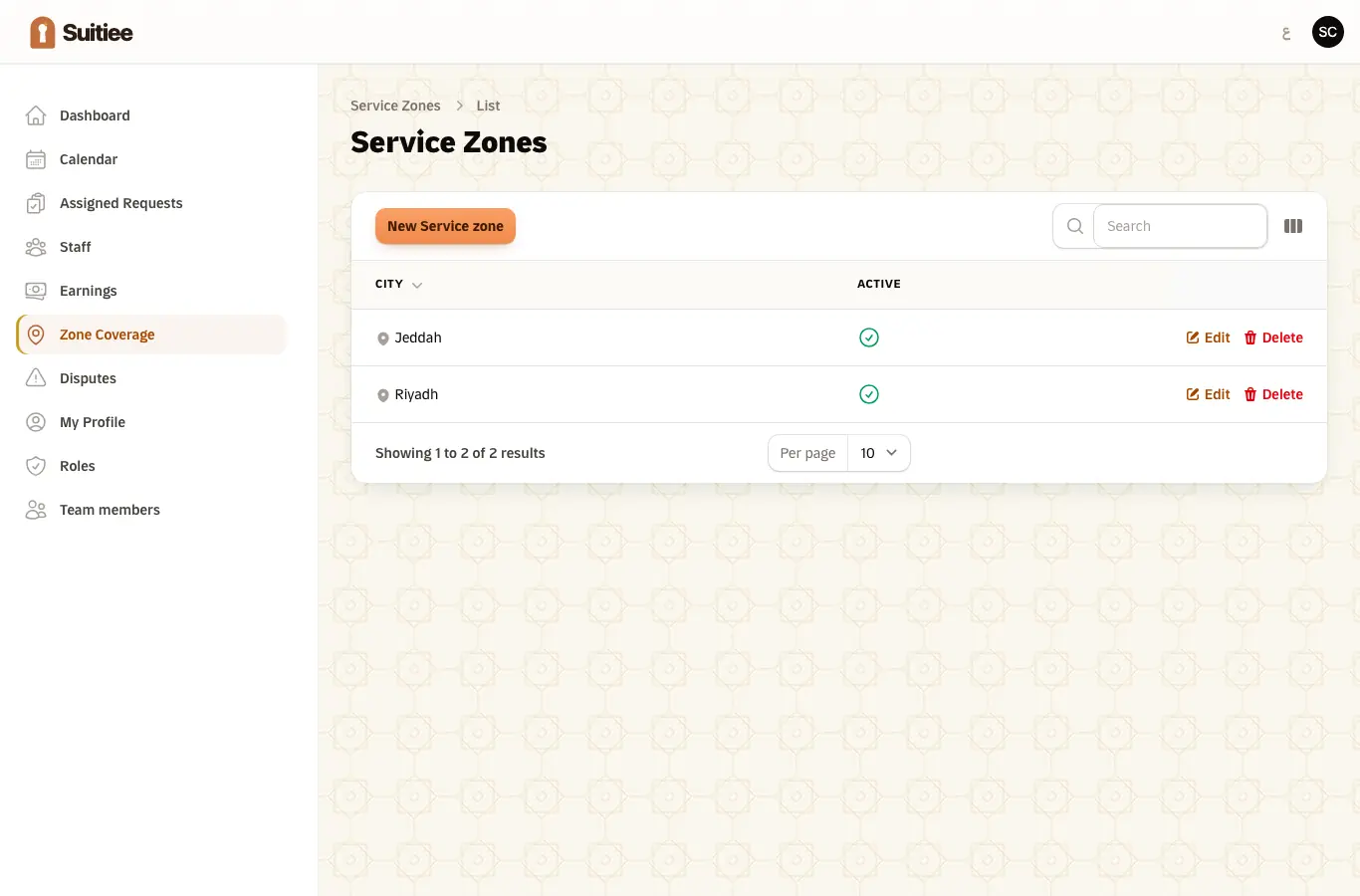
Service Zones. A zone is a district you will travel to. Jobs outside every zone you hold are never offered to you, so an empty zone list means an empty job list.
Step 3 — Answer the first job
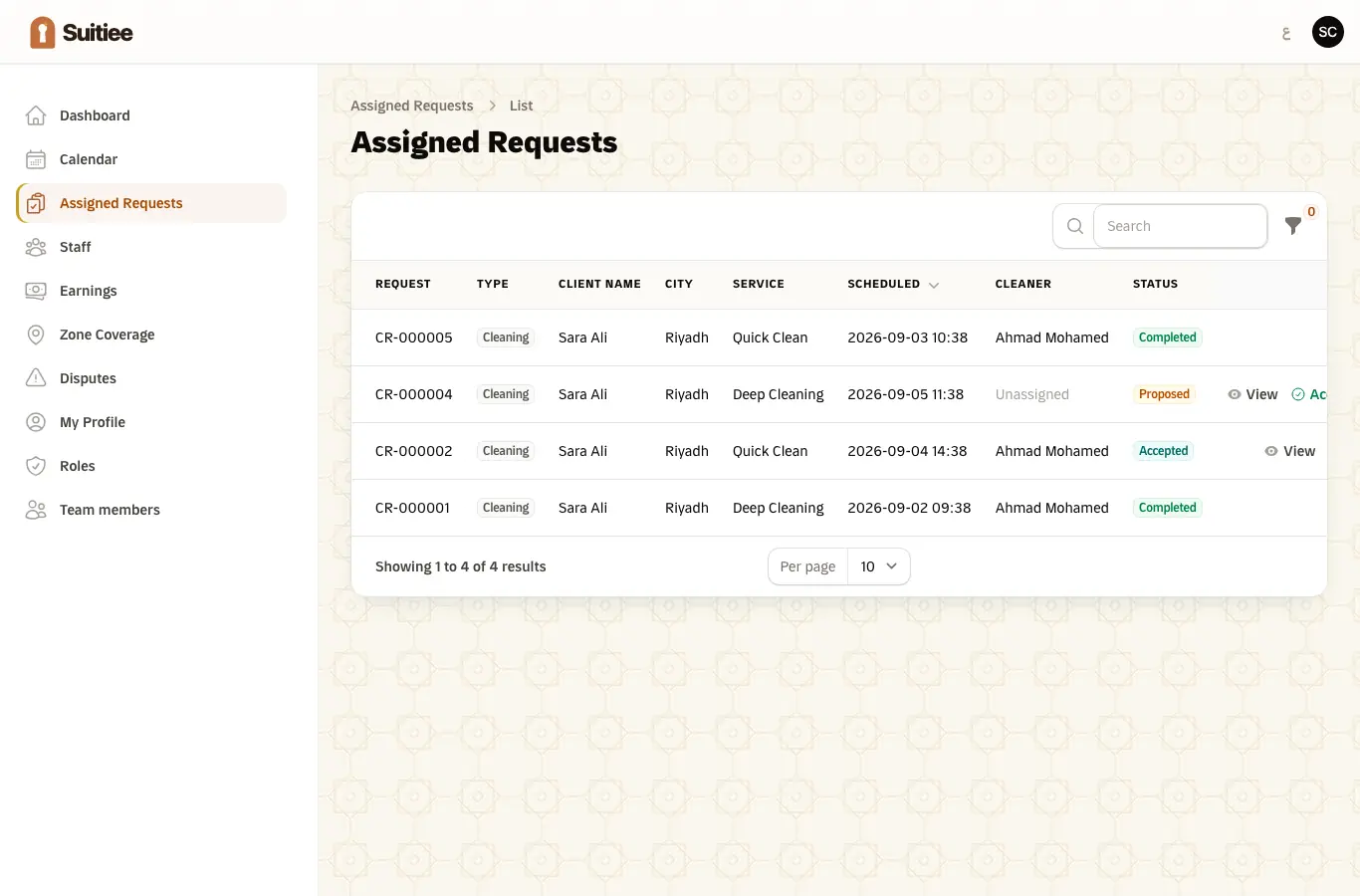
A job arrives as an offer, not an instruction. Open Assigned Requests, read the unit, the window and the notes, and accept it.
An offer expires after 30 minutes. When it does, it is marked declined and offered to the next company or cleaner in line. Nothing else in this panel matters as much as answering inside that window.
Step 4 — Assign it to a cleaner
Once accepted, put a name against it. The list is ordered by who is nearest and least busy; somebody already booked at that hour is marked and listed last.
A women-only unit lists only women cleaners, and refuses anyone else.
Step 5 — Get paid
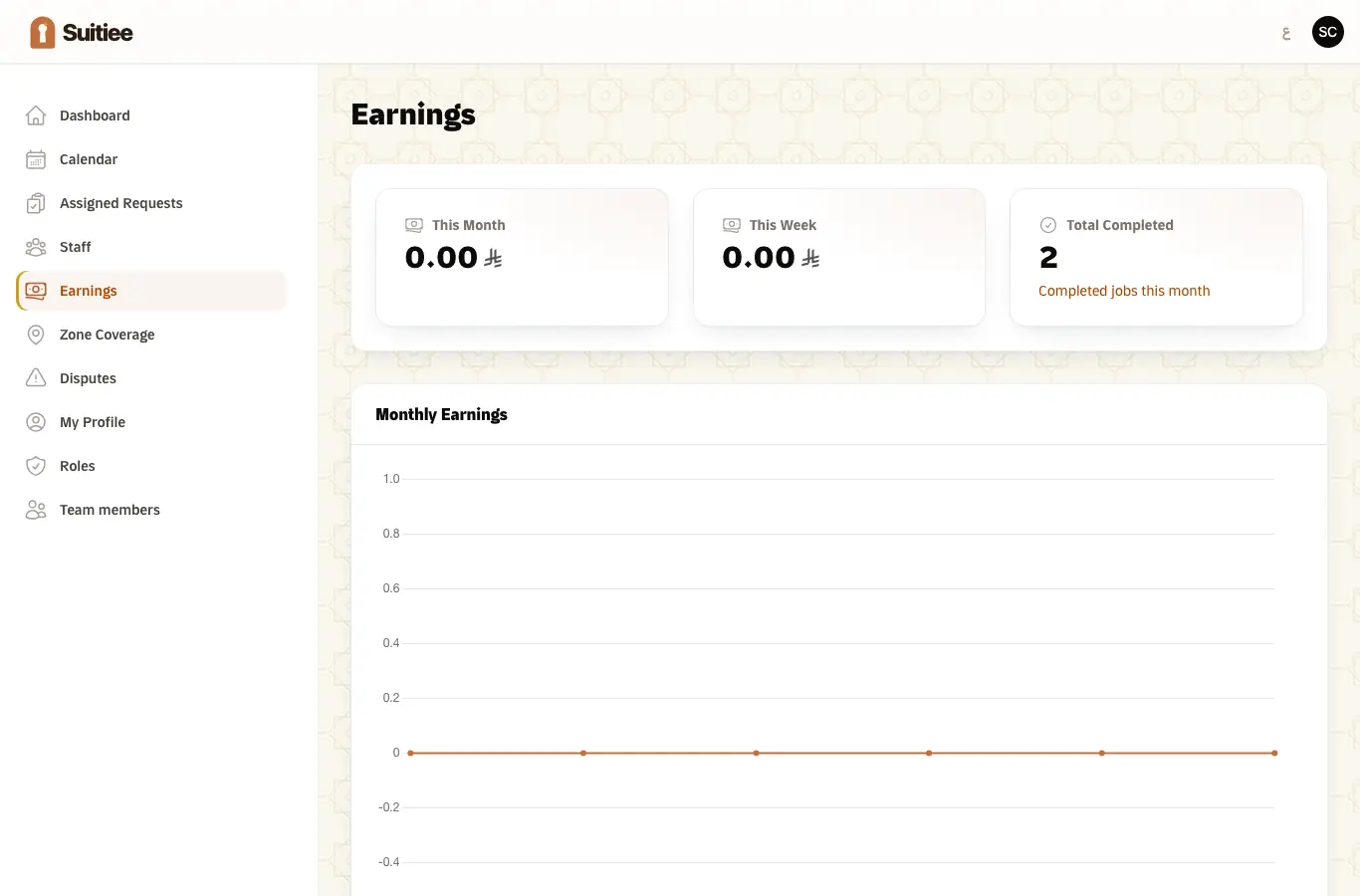
Earnings shows the visits you have completed and what they are worth. A visit becomes billable when the cleaner has checked in on site, taken the photographs the service asks for, and finished.
When it goes wrong
| What you see | What it means | What to do |
|---|---|---|
| No jobs are being offered | No zone covers the unit, or nobody on the roster is available | Check Service Zones and each cleaner's availability |
| A job you meant to take is gone | The 30-minute offer window passed | It has been re-offered elsewhere; nothing to recover |
| A cleaner cannot finish a job | The service requires photographs and not enough have been taken | The screen says how many are still missing |
| A dispute against a completed visit | A host says something was wrong with it | You have 24 hours from release to answer, or it escalates on its own. See Disputes |