
Getting started as an operator
This is the /partner panel. It is for a company that runs units on behalf of the people who
own them — a property manager, a serviced-apartment operator, a compound.
It has everything the host panel has, across every host you manage, plus the integration screens, the owner records and the reports.
What you need
- Your operator sign-in.
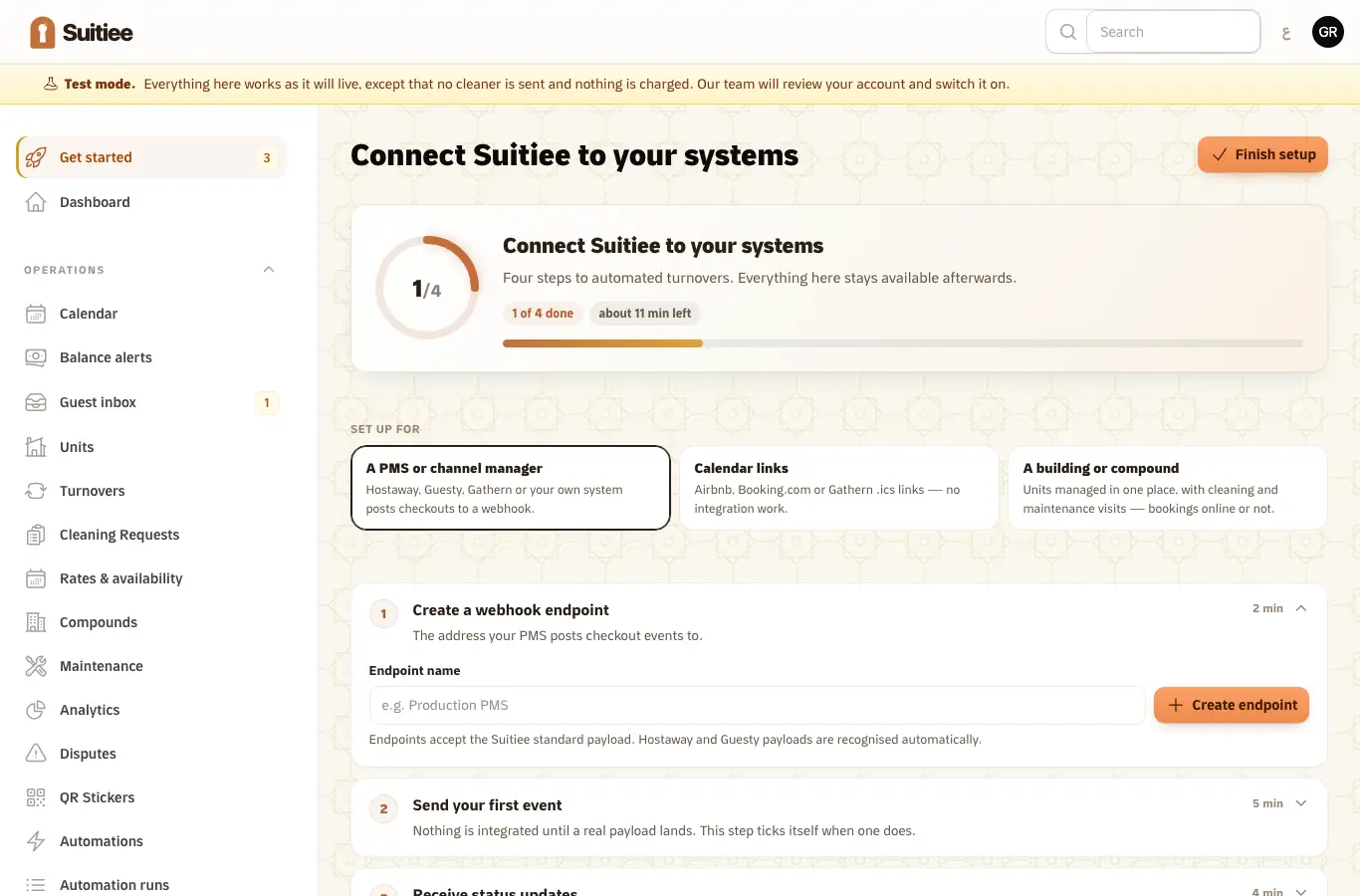
- A decision about how bookings will reach you. The setup guide asks this first and re-tunes
itself to the answer:
- A PMS or channel manager — your system posts checkouts to a webhook.
- Calendar links — you paste iCal links, many at once.
- A building or compound — units managed in one place, whether or not they sell online.
- For the first path, someone who can add a webhook in your own system.
Step 1 — Register your hosts
Every unit belongs to a host, and every cleaning is billed to that host. Open Clients → Partner Clients and add one row per host: their phone, their name, and your id for them. Incoming events are matched on that id, so use whatever your own system already calls them.
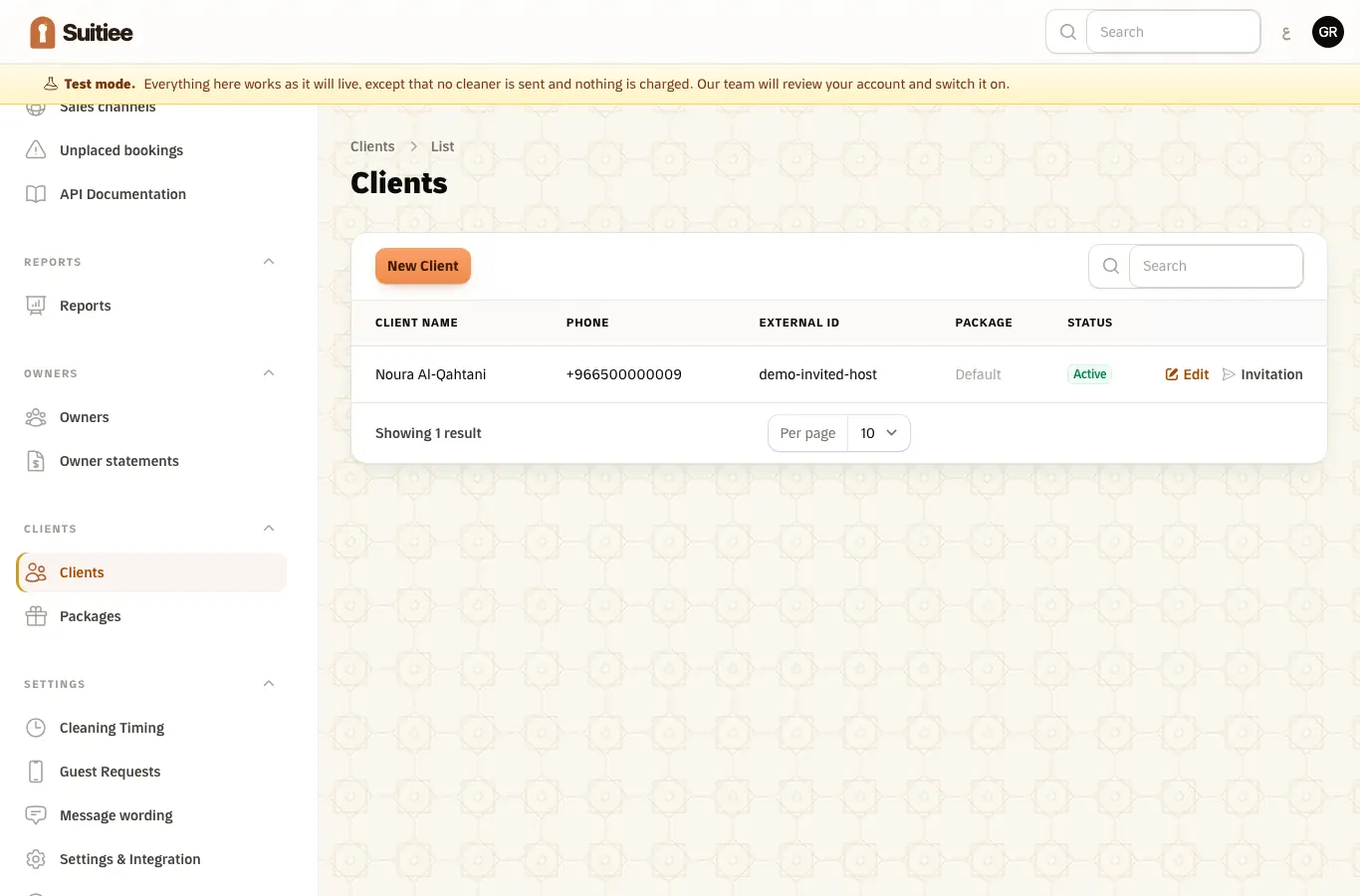
A host you register this way can be invited to sign in to their own /client panel later —
they see their own units and nothing else.
Step 2 — Add the units
Your units → Properties. A unit needs a name in both languages, an address with a pin, and its size. If you are running a compound, create the compound first under Compounds and attach the units to it.
Step 3 — Connect the lane
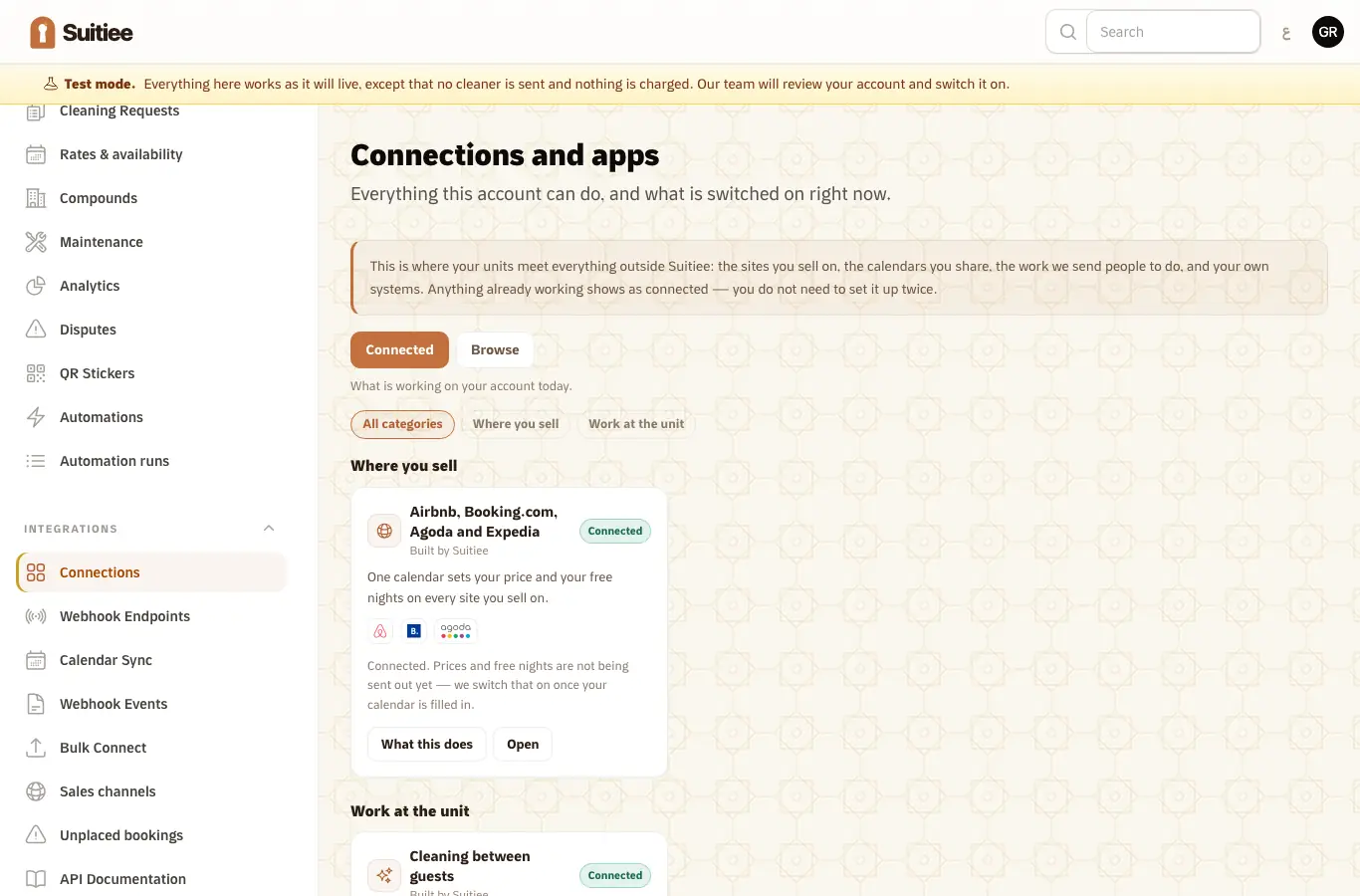
Pick one, or use different lanes for different units:
| Lane | Set it up at | Read |
|---|---|---|
| Airbnb / Booking.com, signed in | Channels → Connect | Connecting Airbnb |
| Calendar links, one at a time | Channels, then the channel's page | Calendar links |
| Calendar links, many at once | Channels → Add calendar links | Calendar links |
| Your own system, by webhook | Settings → Developer → Endpoints | Your PMS by webhook |
| Your own system, by API | Settings → API keys | The partner API |
Step 4 — Fund the hosts
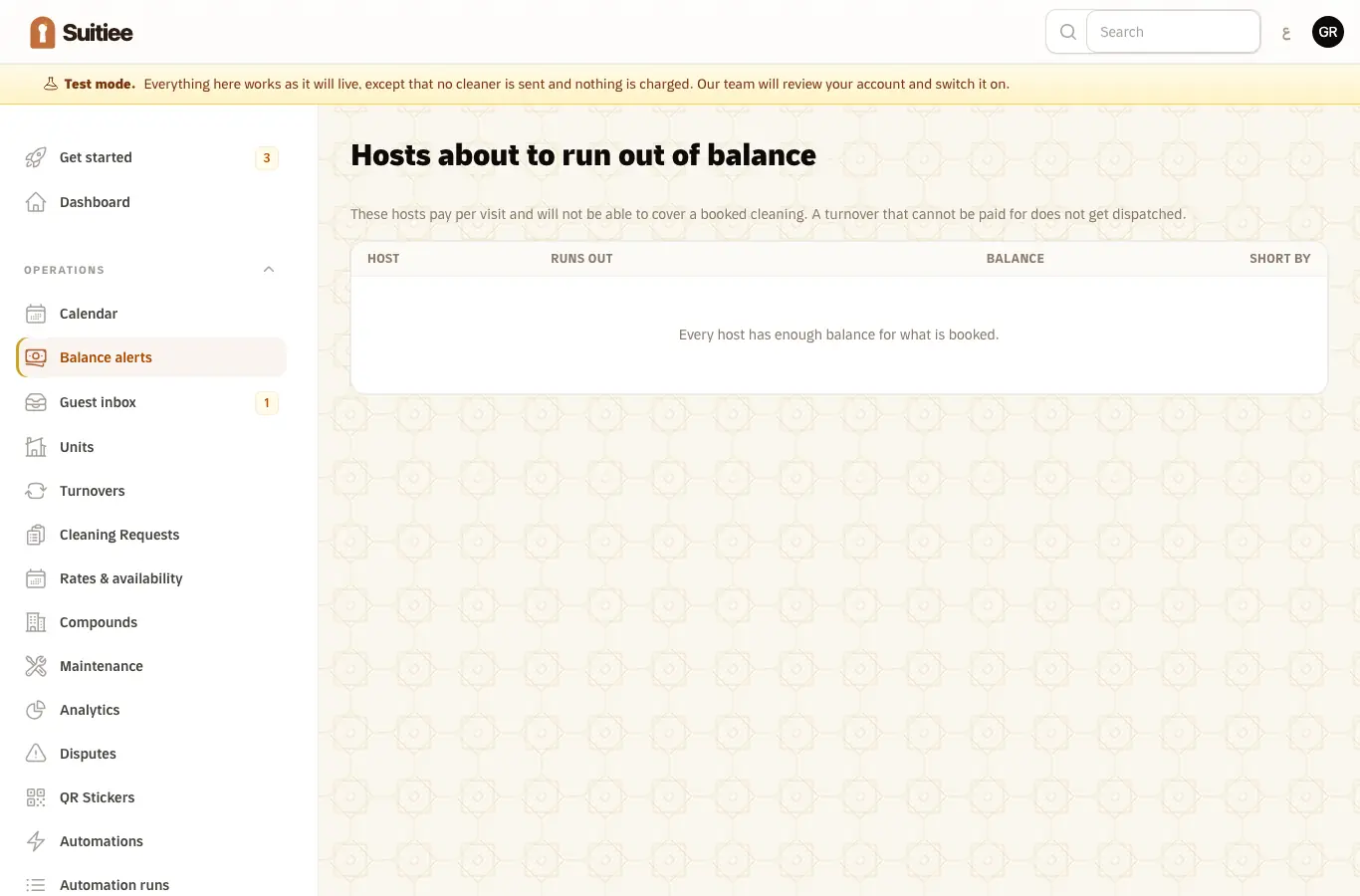
A turnover is billed to the host it belongs to. Two ways to make sure that works:
- The host funds their own wallet or buys a package.
- You hold partner credit with Suitiee and use it to subscribe your hosts to packages. See Partner credit.
Balance alerts lists the hosts whose wallet will not cover what is already booked, which is the earliest warning you get that a unit is about to go uncleaned.
Step 5 — Run the day
- Dashboard — arrivals, departures, and whether the clean between them is booked.
- Calendar — every unit, every stay, every cleaning.
- Operations → Cleaning — the work itself, and its state.
- Reports — the overview, and what happened over a period by channel and by unit.
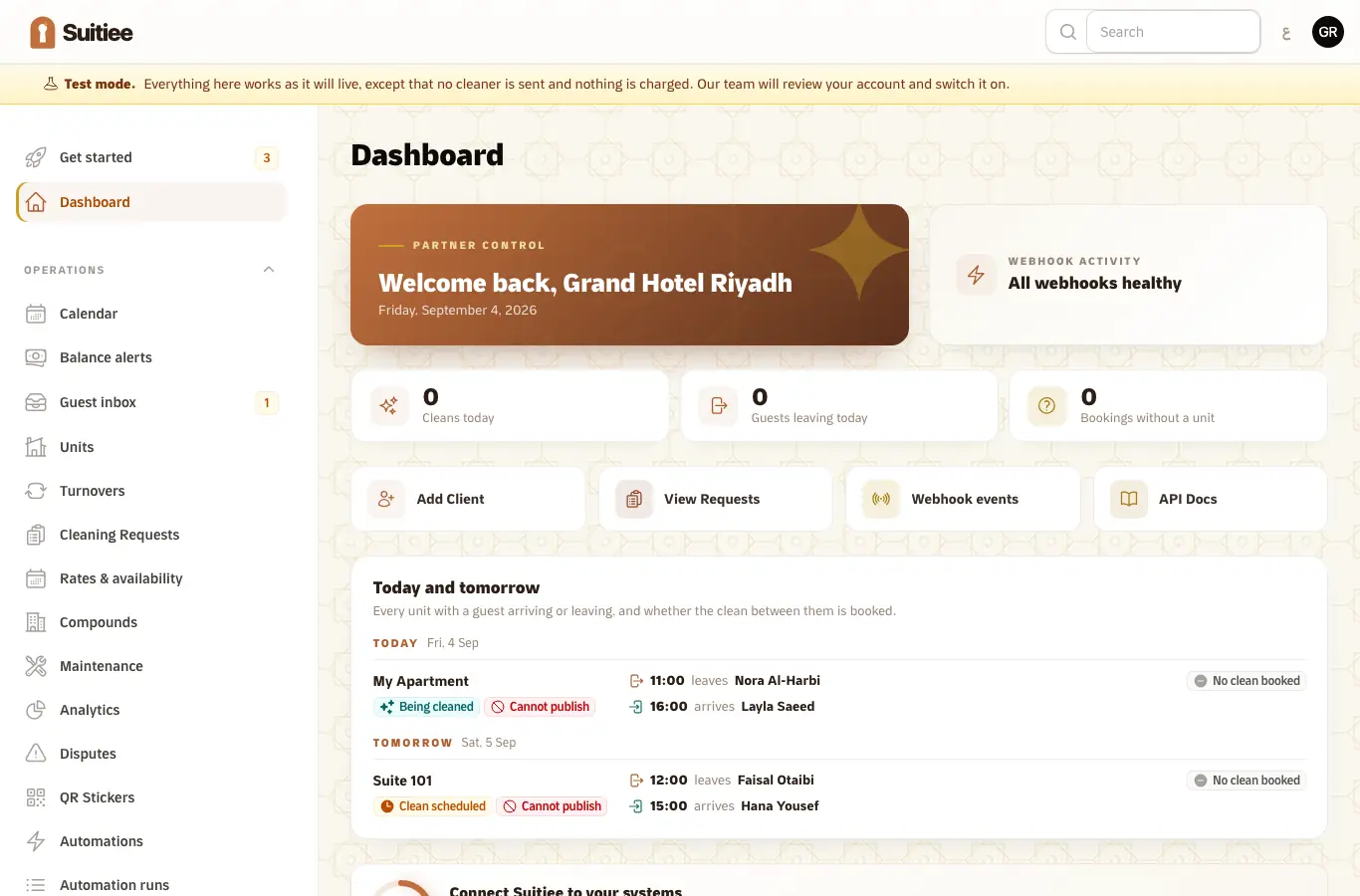
When it goes wrong
| What you see | What it means | What to do |
|---|---|---|
| "Test mode" across the top | The account is a sandbox — nothing is dispatched, nothing is charged | Read Test mode; a human switches you live |
| A webhook event marked failed | The event was accepted and something after that went wrong — usually an unmapped unit or an empty wallet | Open the event row; it carries the reason |
| A host has units but no bookings | No lane is connected for those units | Check Connections |
| A turnover on the stuck list | The checkout passed and no cleaning was booked | The row names the reason and the fix |